Free Home Design Planner with AI in Homestyler: Step-by-Step Guide

Hey There! Some links on InexDecor.com are affiliate links. If you make a purchase through them, we may earn a small commission at no extra cost to you. We only recommend trusted products to support our content. Thank you for your support!
Some links on InexDecor.com are affiliate links. If you make a purchase through them, we may earn a small commission at no extra cost to you.
Introduction
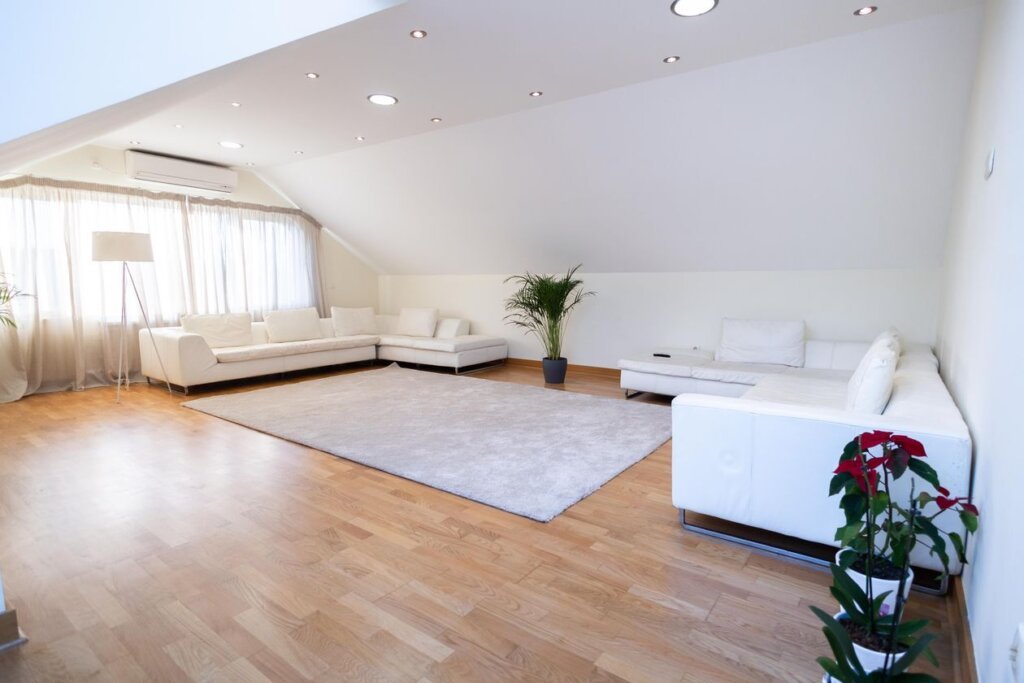
free home design planner with AI in Homestyler is the fastest free way to plan your whole home online: no software to install, no designer to hire, and no money spent before you know what you actually like. You open the planner in your browser, upload a photo of any room, and the AI shows you a finished design in minutes. Then you rebuild the best version in a 3D plan with your real measurements, test the furniture at true size, and walk through the result before you buy anything. Most people plan a home the hard way: they buy furniture first, then discover the sofa blocks the walkway or the colour looks cold at dusk. An online planner reverses that order. The plan comes first, the shopping comes second, and the expensive mistakes disappear on screen instead of in your living room.
This guide shows you how to plan your home free in Homestyler: measure and photograph each room, run your first AI restyle, draw an accurate 3D plan, choose colours and lighting that work, and turn the renders into a shopping list you can trust.
Key Takeaways
- A free online planner designs your whole home in a browser: no install, no card, no designer.
- Measure every room before you plan. Size decides the furniture.
- Start with a photo restyle to find your style, then rebuild the winner in 3D.
- One palette across the whole house makes every room feel connected.
- Test colours and lighting in 3D at dusk: a render costs nothing, a wrong sofa costs a lot.
- Plan one room properly for under $150, or a full change for $600–$1,500 per room.
Table of Contents
Introduction | Key Takeaways | What Is a Free Home Design Planner with AI in Homestyler? | How to Plan Your Home Free Online. Step by Step | 6 Free Home Design Ideas to Try First | Colour and Lighting That Work in Every Room | Layouts for Small and Large Homes | Common Mistakes to Avoid | Budget Tiers | Homestyler vs Planner 5D vs Coohom | Frequently Asked Questions | Conclusion
What Is a Free Home Design Planner with AI in Homestyler?
A free home design planner with AI in Homestyler is an online tool that plans your whole home in your browser, free. Start with a photo of any room, describe the look you want in plain words, and the AI generates a finished design in minutes. Then draw the room in the 3D planner with your real measurements, place furniture at true size, and render it in daylight and at dusk, all without paying or installing anything.
Homestyler combines three things in one free plan: an AI restyle tool that works from photos, a 3D planner that works from your real measurements, and a render engine that shows the finished room in realistic light.
The planner suits beginners because nothing in it needs design training, describe what you want in plain words, and the AI does the rest, free. For the room-by-room version of the same method, see our home design with AI in Homestyler guide.
How to Plan Your Home Free Online: Step by Step
Plan your home free online in one evening, in seven steps: the photo finds your style, the measurements make the plan honest, and the plan decides the furniture.
Step 1: Walk through your home and list what bothers you
Walk through your home with a notebook and write down what bothers you in each room: the living room is too dark, the kitchen has no counter space, the wardrobe doors stick, the hallway feels like a tunnel. This list is your design brief, rank the rooms from most annoying to least, and start with the worst one.
Step 2: Photograph and measure every room
Photograph each room from the doorway, at eye level, with the whole room in the frame. Open the curtains, turn the lights on, and tidy the surfaces. Then measure each room: length, width, ceiling height, windows, doors and radiators, and note which way the sun travels. A plan built on guessed measurements is a beautiful lie.
Step 3: Upload your first photo and run a free AI restyle
Open Homestyler, upload the photo of your worst room, and choose a style: modern, Scandinavian, coastal, minimalist or farmhouse. Add a short description in plain words, such as “Bright modern living room, white walls, light oak floor, low sofa, blue cushions, warm light, plants.” Let the AI generate two or three versions and save the calmest.
Step 4: Draw the rooms in the 3D planner
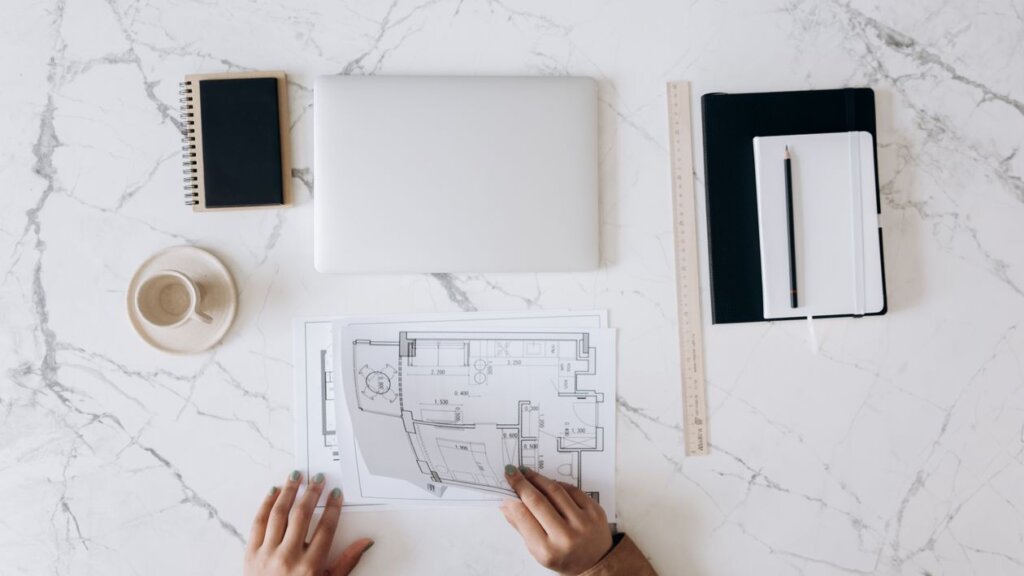
Draw your home in the 3D planner to its real measurements, room by room. Place the big furniture first, bed, sofa, dining table, and check the walkways: 75 cm between sofa and table, 60 cm beside the bed, 90 cm on the kitchen path. Move anything that pinches before you buy.
Step 5: Apply one palette across the whole home
Choose one palette for the entire home: white or warm white walls, one light wood tone, and one accent colour, repeated everywhere: on living-room cushions, bedroom bedding, a hallway vase. Test it in 3D in daylight and at dusk, because a colour that looks fresh at noon can look cold at night.
Step 6: Layer the lighting in every room
Every room needs three layers of light. Daylight first: clear windows, sheer curtains, a mirror opposite the window. General light is one warm ceiling light or pendant per room. Task light is warm and focused: a floor lamp by the sofa, a desk lamp at the table, a reading light by the bed. Render each room at dusk. The version that glows warm is right.
Step 7: Render, compare, and make your shopping list
Render each room and compare it with your original photo. Check four things: clear walkway, calm palette, warm light at dusk, nothing crowded. Save the renders as your shopping list. Every piece has a size, a colour and a place. Buy the big pieces first.
Try Homestyler free and plan your first room tonight, free.
6 Free Home Design Ideas to Try First
Start with one of these six ideas: cheap, fast, and visible the same day.
1. Paint one wall, not the whole house
A single accent wall in soft blue, sage green or warm terracotta changes the whole room for one can of paint. Choose the wall behind the sofa or the bed, keep the other walls white, and test the colour at midday and dusk. For the text-prompt version, see our free house design generator with AI in Homestyler guide.
2. Swap the rug for a larger one
Most rugs are too small. The right rug sits under the front legs of the sofa and coffee table, with at least 20 cm visible on each side. A larger flat-weave rug makes a room read as one space. Test the size in the 3D planner before you buy.
3. Add one warm floor lamp
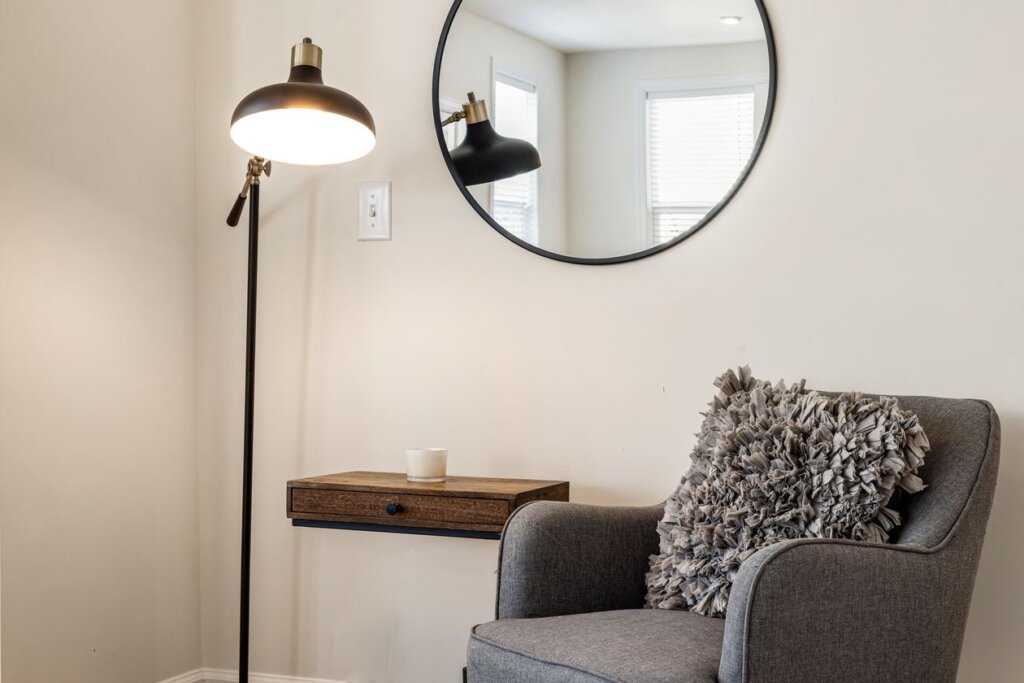
One warm floor lamp beside the sofa changes the evening mood completely. Choose a linen or rattan shade with a warm 2700K bulb. The planner’s dusk render will prove it before you spend anything.
4. Clear one surface in every room
Choose one surface per room: dining table, bedside table, console, and keep it to three objects: a lamp, a book, a plant. A clear surface makes the whole room feel calmer, and it costs nothing.
5. Hang one large mirror
A large mirror opposite a window doubles the light in a dark room. Hang it at eye level, in the same wood tone as the rest of the room. The 3D view shows you exactly where it belongs.
6. Repeat one accent colour in three places
Pick one accent: sea blue, dusty pink, sage green, and use it in three places per room: a cushion, a throw, a vase. Three repetitions feel deliberate; one feels accidental. See our 3D house design with AI in Homestyler guide for the 3D version.
Colour and Lighting That Work in Every Room
Colour and lighting decide whether a home feels calm or chaotic. Get them right once, and every room benefits.
Choosing a palette for the whole home
Start with the light. A north-facing home needs warm whites and warm wood; a south-facing home can handle cooler whites and a stronger accent. Pick three colours only: a wall colour, a wood tone, one accent. White walls with light oak and sea blue suit almost every home. Test the palette in one room first, at midday and at dusk.
Lighting every room at dusk
Render every room at dusk, not just at midday. A room that looks bright at noon can look grey and cold in the evening. One warm pendant, one floor lamp and one small table light give every room a glow a single ceiling bulb never achieves. For the same palette thinking in a kitchen, see our modern kitchen design with AI in Homestyler guide.
Layouts for Small and Large Homes
The right layout depends on the home you have. Measure first, then choose the layout that fits.
Small homes and flats
In a small home, every piece of furniture must do two jobs: a dining table doubles as a desk, a storage bench holds shoes and gives you a seat, a low shelf divides living from sleeping without blocking light. Keep furniture low, floors mostly empty, one rug per zone, and the palette pale. For the work-from-home corner, see our interior design with AI in Planner 5D guide.
Large homes
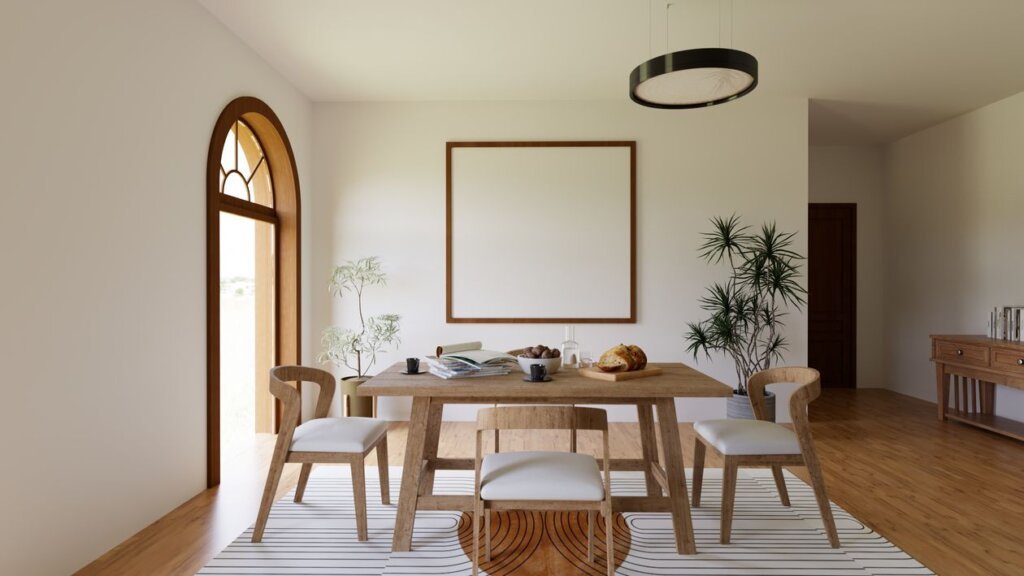
A large home has the opposite problem: rooms that feel empty and disconnected. Give each room one clear job, anchor each seating group with a large rug, put a tall plant in each empty corner, and keep the same palette everywhere. Leave a third of every shelf empty and a clear stretch of floor in each room.
Common Mistakes to Avoid
The most common mistake is buying furniture before drawing the plan. A sofa that looked right in the shop blocks the walkway at home, and a wardrobe too deep eats a square metre of floor. Draw first, buy second.
The second mistake is a different colour in every room, five rooms in five colours feel like five different houses. One palette across the home is the cure.
The third is cool white light. Use warm 2700K throughout. The fourth is too much decor: one lamp, one book and one plant per surface. The fifth is ignoring the walkways. The sixth is paying for a designer before trying the free tools: test the free planner first.
Budget Tiers
Budget (under about $150 per room): A flat-weave rug, warm bulbs, a sheer curtain and one plant. This tier changes the feeling of a room without touching the furniture, cold light and a small rug, the cheapest mistakes, fixed in one afternoon.
Mid-range (about $150–$600 per room): Add a floor lamp, a mirror, a low bench or console, and paint in warm white or your accent colour, the sweet spot: real furniture and a finished palette.
Full change ($600–$1,500+ per room): A low sofa or bed frame in the right wood tone, a large rug, a flat-front wardrobe and matching textiles. Test the design in Homestyler first. For the same thinking in a bedroom, see our bedroom design with AI in Coohom guide.
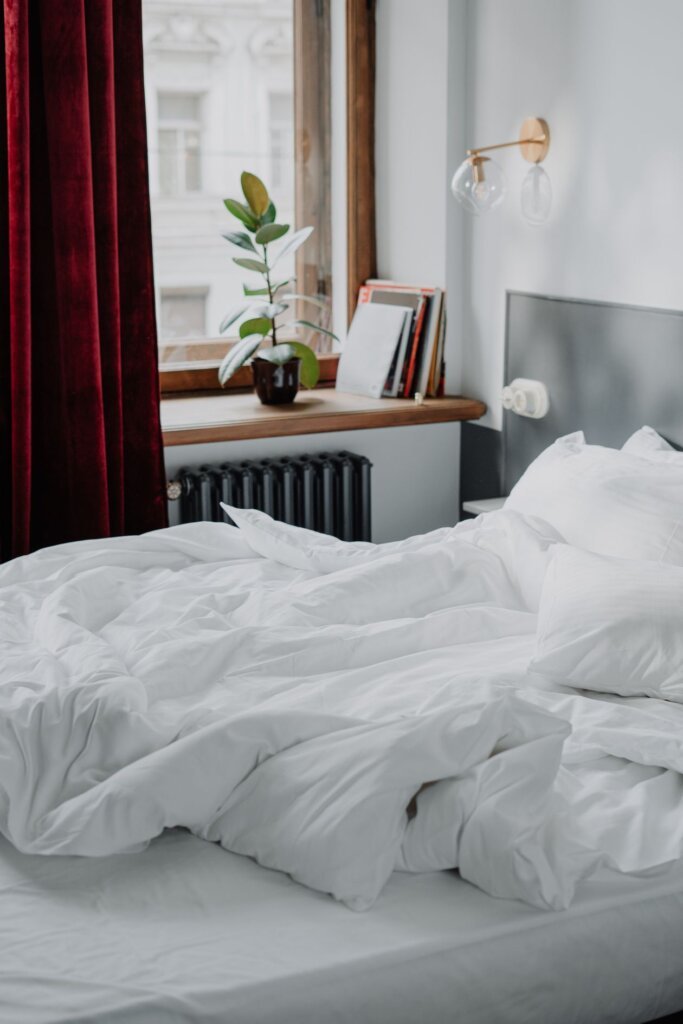
Homestyler vs Planner 5D vs Coohom for Free Home Planning
| Feature | Homestyler | Planner 5D | Coohom |
|---|---|---|---|
| Best for free home planning | Fast free photo restyles and online planner | Accurate floor plans | Photorealistic renders |
| Starting point | Upload a room photo | Draw the plan | Draw a plan or import one |
| AI tools | AI Styler, Spark, AI Planner | AI Studio, Smart Wizard | AI design and rendering tools |
| Rendering | Good, fast renders | Good, 4K on paid | Very photorealistic |
| Ease of use | Very easy to start | Easy once drawn | More pro options |
| Free plan | AI restyles and 3D design | Core design tools | Core tools |
| Try it | Homestyler | Planner 5D | Coohom |
For a whole home, free and online, Homestyler is the fastest start: upload a photo, see a restyle in minutes, then rebuild it in the 3D planner. Planner 5D suits homes where every centimetre matters. Draw the floor plan first. Coohom suits photorealistic renders for a contractor.
Frequently Asked Questions
Can I plan my whole home online for free?
Yes, Homestyler has a free plan that covers AI restyles, the 3D planner and standard renders. You can upload photos of every room, try different styles, draw each space to its real measurements, test palettes and lighting, and share the results without paying. Start free, plan one room properly, and upgrade only if you plan often or need more renders for a client.
How do I start planning a home online if I have never designed anything?
Start with the room that bothers you most and a single photo of it. Upload the photo to Homestyler, choose a style you like, and describe what you want in plain words. The AI shows you a finished design in minutes, and that first restyle teaches you more about your taste than a month of browsing. Then rebuild the version you like in the 3D planner.
What is the best free online home design planner for beginners?
Homestyler is the best starting point for most beginners because it works from a photo. Upload a picture and describe the look you want, free. The photo-first workflow needs no drawing skill at all. Planner 5D is better once you need exact measurements, and Coohom is better for photorealistic renders. Try the free plan of each today and keep the one that feels easiest.
Do I need measurements to use a free home design planner?
You need measurements for the 3D plan, but not for the first AI restyle. A photo alone is enough to see a new look for your room, free. Measurements matter when you place furniture at true size, because a bed ten centimetres too long blocks a walkway and a table too wide leaves no room to pull the chairs out. Measure each room once and keep the numbers together.
How long does it take to plan a home online with AI?
One room takes about an hour from photo to finished render: ten minutes to photograph and measure, ten minutes for the AI restyle, twenty minutes to rebuild it in 3D, and twenty minutes to test the palette and lighting. A whole home takes a few evenings, one room at a time. The slow part is deciding what you like, and the free restyles make that decision fast.
Can a free home design planner help me stay on budget?
Yes, because the expensive mistakes happen before you buy anything. A free 3D render shows you whether the sofa fits, whether the palette works at dusk, and whether the room feels crowded, all before you spend money. Build your shopping list from the render, buy the big pieces first, and leave the decor until last. Most people save the cost of a paid plan by avoiding one wrong purchase.
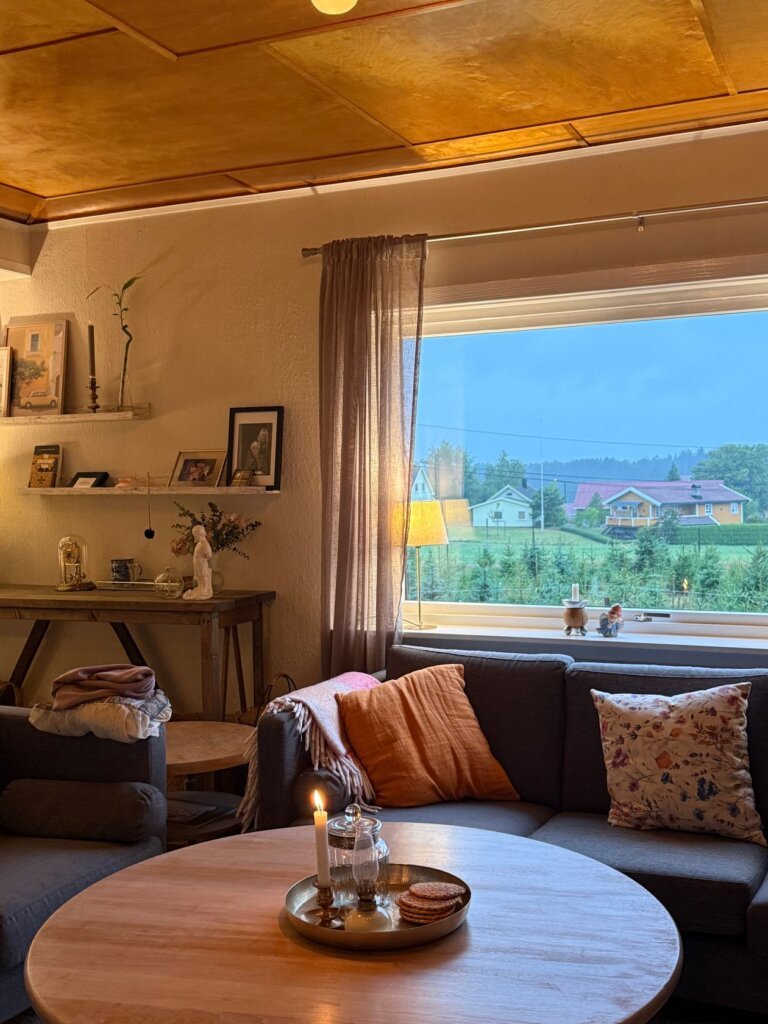
Conclusion
free home design planner with AI in Homestyler turns the most overwhelming project in your home into small, enjoyable steps: photograph one room, restyle it free in minutes, rebuild the best version in 3D, and buy only what the render proves will work. Keep one palette across the home, the lighting warm, the walkways clear.
Start with the room that bothers you most, and plan it tonight, free. One room finished well teaches you everything you need for the next one.
Try Homestyler free. Open the planner and see your new home design in minutes, free.

My name is Mahi Uddin, and I’m a blog writer with over two years of experience specializing in creating engaging, informative content using AI tools. I contribute to InExDecor.com, where I share creative ideas and practical tips for transforming interior and exterior spaces into beautiful, functional environments. With a passion for storytelling and a knack for blending creativity with technology, I strive to craft blogs that not only inform but also inspire readers. When I’m not writing, you can find me exploring design trends or enjoying a good book with a cup of coffee.